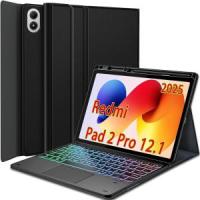
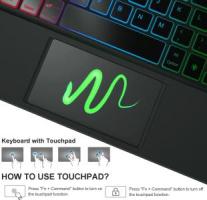
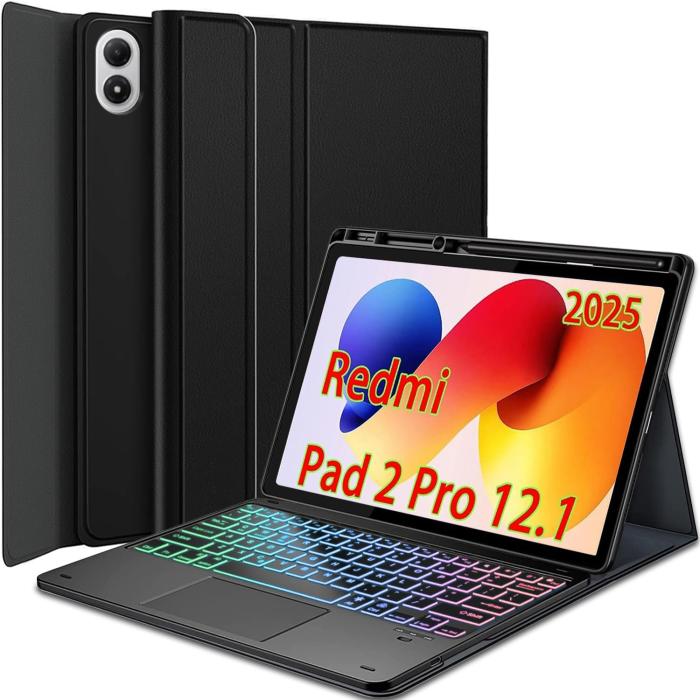
Funda con Teclado Bluetooth y Touchpad para Xiaomi Redmi Pad 2 Pro 12.1” 2025 (TB520FU) – Retroiluminación RGB 7 Colores, Teclado Desmontable, Multi-Touch, Soporte Plegable y Porta Lápiz
SKU: C63DE66339
¡En Existencia!
Envío GRATIS
Pedido internacional
Oferta
Q 638
.
00
Q 865
26% off
Este producto no se puede mezclar en la misma compra.
Para comprar este producto, primero completa la compra actual o elimina los productos que tienes en el carrito.
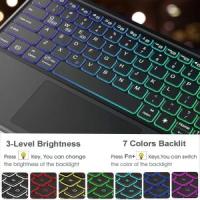
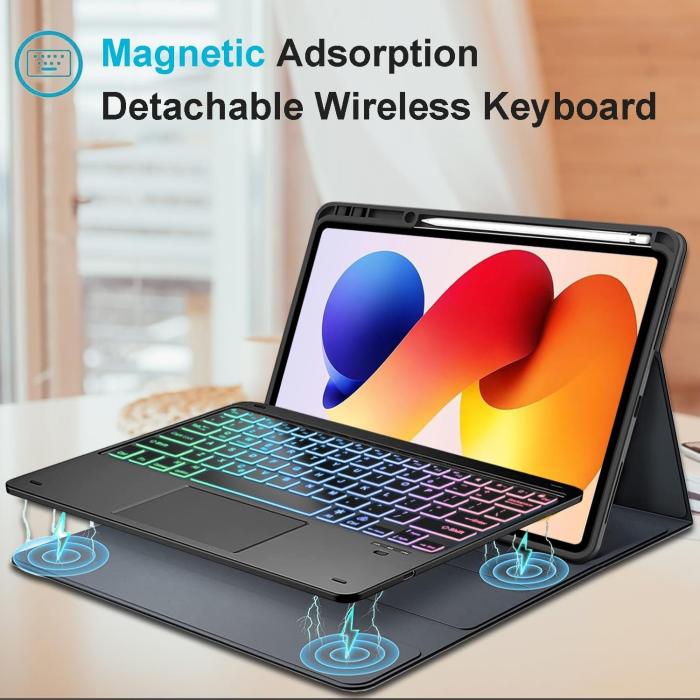
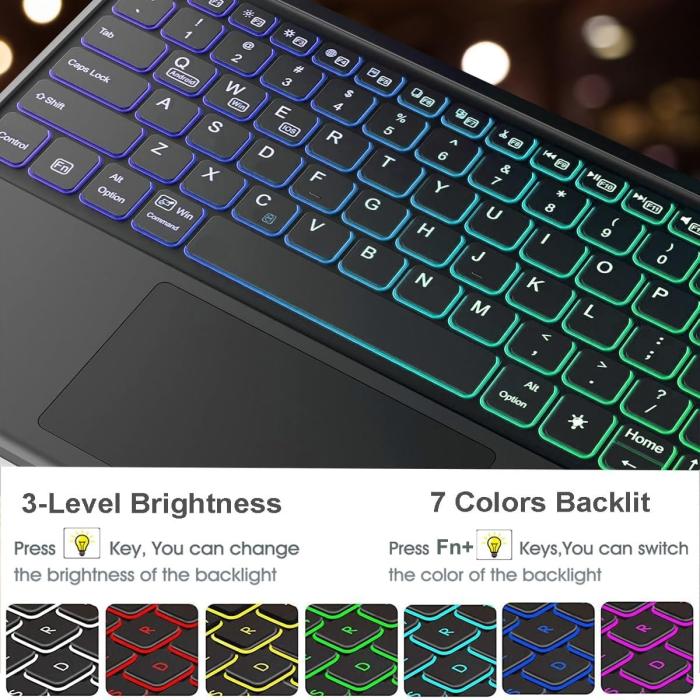
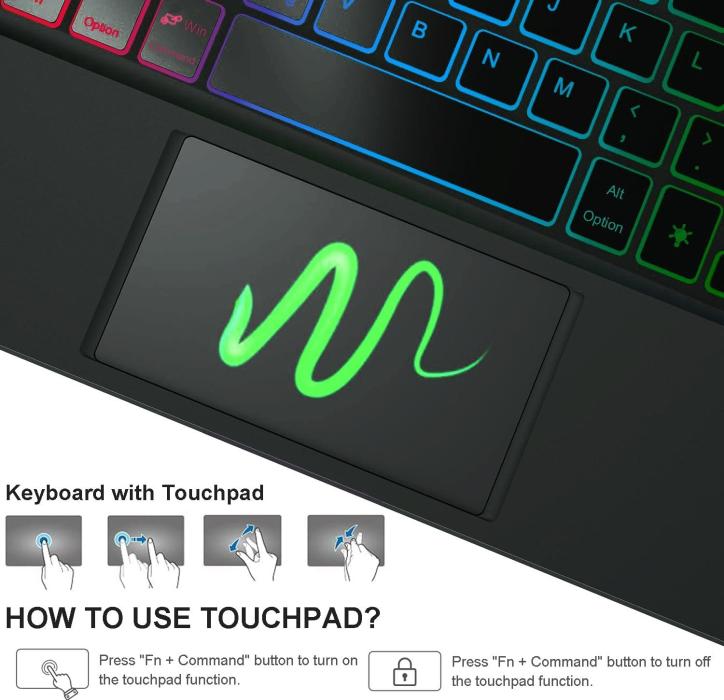
Compatibility Exclusively designed for 12.1 inch Redmi Pad 2 Pro 2025 tablet. NOT for other Xiaomi tablet model. How to connect the keyboard with the tablet? 1. Dial ON/OFF button on right direction for opening keyboard, press "FN+C" for into wireless matching condition.(After connecting, press "FN+C" again to disconnect Bluetooth.) 2. Open Bluetooth on device, search keyboard name: [Keyboard] for matching device to keyboard. 3. Click the "Keyboard" to connect, finish. 4. Press "Fn+Q" to switch to the corresponding Android input system. How to adjusts the colour of the backlight? 1.Click "Bulb" Key to adjust the brightness of the backlight. 2.Click "Fn+Bulb" to switch between 7 color schemes. Specification: Charging voltage: 5V Bluetooth version: Bluetooth 5.0 Transmission distance: up to 10 m Capacity of battery: 450 mAH Charging time: 2-3 hours Working time: 90 hours without backlight Working time: 10 hours with backlight Standby time: 180 days What's in the box? Tablet Case * 1 Rainbow Backlight Touchpad Keyboard * 1 USB-C Charging Cable * 1 Product Manual * 1